
Introduction
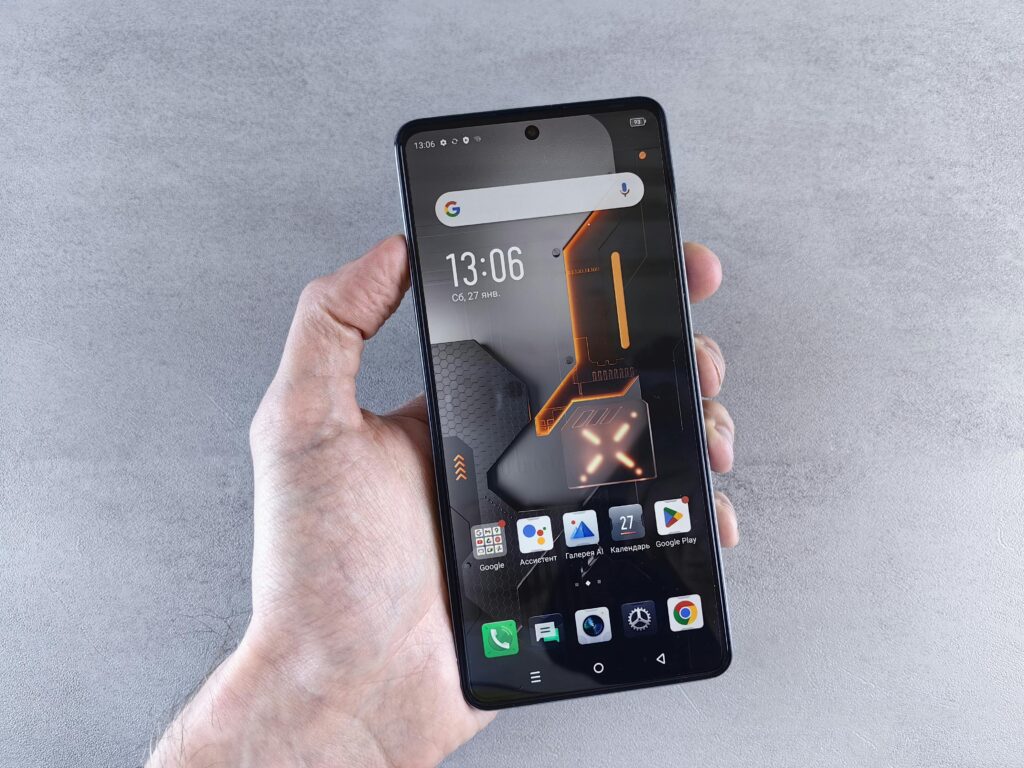
Modern smartphones come packed with powerful features. From advanced cameras and AI tools to security options and productivity shortcuts, today’s smartphones can do far more than just calls and messages. However, most users end up using only a small percentage of these features, while the rest remain ignored or unknown.
The truth is, many smartphone features are genuinely useful, but they only add value when you actually use them. This article highlights the best smartphone features you should actually use in daily life to improve productivity, security, battery life, and overall convenience.
Why Many Smartphone Features Go Unused
Before diving into features, it’s important to understand why people don’t use them.
Common reasons include:
-
Lack of awareness
-
Features hidden deep in settings
-
Fear of complexity
-
Habit of basic usage
Once you understand and start using the right features, your smartphone becomes far more powerful and helpful.
1. Battery Saver / Power Saving Mode
One of the most useful yet ignored features is battery saver mode.
Why You Should Use It
-
Extends battery life during long days
-
Reduces background activity
-
Prevents sudden shutdowns
You don’t have to wait until battery is critically low. Turning it on proactively can keep your phone alive longer.
2. App Permission Controls
Smartphones allow you to control what apps can access.
Useful Permissions to Manage
-
Location access
-
Camera and microphone access
-
Contacts and storage
Reviewing permissions improves privacy, security, and battery life. Many apps don’t need full access to function properly.
3. Digital Wellbeing / Screen Time Tools
Smartphones now include built-in tools to track usage.
Benefits
-
Monitor daily screen time
-
Limit distracting apps
-
Improve focus and sleep
Using these tools helps build healthier digital habits without uninstalling apps.
4. Focus Mode / Do Not Disturb (DND)
Notifications constantly interrupt concentration.
Why This Feature Matters
-
Blocks non-essential notifications
-
Improves focus during work or study
-
Reduces stress and distractions
Scheduling DND or Focus Mode is a simple way to regain control over your time.
5. Cloud Backup and Sync
Cloud backup is often ignored until data is lost.
What It Does
-
Automatically backs up photos, contacts, and files
-
Restores data easily on a new phone
-
Protects against device loss or damage
Using cloud backup ensures peace of mind and data safety.
6. Find My Device / Phone Tracking
This feature is extremely useful but rarely set up.
Why You Should Enable It
-
Locate lost or stolen phone
-
Lock device remotely
-
Erase data if needed
Activating this feature takes minutes but can save you from major problems later.
7. Smart Unlock / Biometric Security
Modern smartphones offer advanced unlocking options.
Useful Options
-
Fingerprint unlock
-
Face unlock
-
Trusted devices or locations
These features improve security while keeping the phone easy to access.
8. Built-In Screen Recorder
Many users install third-party apps without realizing their phone already has a screen recorder.
Practical Uses
-
Record tutorials or steps
-
Capture bugs or issues
-
Save video calls or presentations
Using the built-in recorder is safer and more efficient.
9. Split Screen / Multitasking Mode
Smartphones support multitasking, but few users take advantage of it.
How It Helps
-
Use two apps at the same time
-
Improve productivity
-
Save time switching between apps
Examples include chatting while browsing or watching videos while taking notes.
10. Dark Mode
Dark mode is more than just a visual preference.
Benefits
-
Reduces eye strain
-
Saves battery on AMOLED screens
-
Improves night-time usability
Keeping dark mode enabled improves comfort and efficiency.
11. One-Handed Mode
Large screens can be hard to use with one hand.
Why This Feature Is Useful
-
Makes large phones easier to handle
-
Improves comfort during daily use
-
Reduces accidental drops
One-handed mode is perfect for quick tasks on the go.
12. Emergency SOS Feature
Emergency features are critical but often ignored.
What It Does
-
Sends alerts to emergency contacts
-
Shares location instantly
-
Can contact emergency services
Setting this up is important for personal safety.
13. Built-In Password Manager
Many smartphones include secure password storage.
Advantages
-
Strong, unique passwords
-
Faster logins
-
Improved account security
Using a built-in password manager reduces the risk of hacking.
14. App Cloning / Dual Apps
This feature allows you to use multiple accounts of the same app.
Useful For
-
Work and personal accounts
-
Managing multiple numbers
-
Social media separation
It simplifies life without needing extra apps.
15. Storage Cleanup and Optimization Tools
Phones slow down when storage is full.
Why You Should Use Cleanup Tools
-
Remove junk files
-
Clear cache safely
-
Improve performance
Regular cleanup keeps your phone fast and responsive.
16. Smart Camera Features
Smartphone cameras include powerful software features.
Features Worth Using
-
Night mode
-
Portrait mode
-
AI scene detection
-
Video stabilization
Using these features improves photo and video quality without extra effort.
17. Data Usage Controls
Mobile data drains both battery and money.
How Data Controls Help
-
Monitor data usage
-
Set limits
-
Restrict background data
This is especially useful for users with limited data plans.
18. Scheduled Power On/Off (If Available)
Some phones allow automatic power scheduling.
Benefits
-
Saves battery at night
-
Improves digital discipline
-
Reduces distractions
It’s a simple feature with long-term benefits.
19. Voice Assistants (Used Wisely)
Voice assistants can save time when used correctly.
Practical Uses
-
Set reminders
-
Control smart devices
-
Quick searches
They are helpful tools—not replacements for thinking.
20. System Updates and Security Patches
Ignoring updates is a common mistake.
Why Updates Matter
-
Fix bugs
-
Improve performance
-
Protect against security threats
Keeping your phone updated ensures long-term reliability.
How These Features Improve Daily Life
Using the right features can:
-
Save time
-
Improve focus
-
Enhance security
-
Extend battery life
-
Increase productivity
Smartphones are powerful tools—only if used smartly.
How to Start Using These Features Today
✔ Explore settings regularly
✔ Enable features gradually
✔ Customize based on your routine
✔ Avoid unnecessary apps
Small changes make a big difference.
Conclusion
Smartphones are far more capable than most users realize. While manufacturers continue adding new features every year, many of the best smartphone features already exist on your device today—waiting to be used.
By actually using features like battery saver, permission controls, focus mode, cloud backup, and security tools, you can make your smartphone more efficient, secure, and enjoyable.
Instead of upgrading just for new features, start using the powerful features you already have.